

Workplaces and shared offices
Office furniture sourcing in China
Suppose the desk and screen both look right, but the screen’s fixing will not fit the desktop. Try one complete workstation before ordering the whole floor, while you can still change the details.
How do you choose office furniture that works together?
Start with the people, their tasks and the equipment they use. Try the chair, desk, screen and storage together as one sample workstation. Check reports for the exact products you plan to buy, and involve your facilities and IT teams in power, data and installation decisions. Labels such as ergonomic do not replace these checks.
Buy for the work people do at each desk
Someone working at a desk all day has different needs from a visitor in a short meeting. A shared desk also needs adjustments the next person can understand. Group your furniture list by activity before choosing a matching style.
| Setting | Information to collect | Procurement consequence |
|---|---|---|
| Assigned workstation | User needs, equipment and storage requirements | Fit, adjustment range and personal setup |
| Shared workstation | Range of users and changeover routine | Intuitive adjustments and clear instructions |
| Meeting room | Meeting length, screen position and room layout | Table access, seating comfort and cable routing |
| Reception or breakout | Visitor use, cleaning and desired flexibility | Appropriate seating and replaceable wear parts |
| Storage | Contents, access frequency and installation location | Internal fit, stability and any fixing requirements |
Ask facilities and IT to review the list early. Show them where docking stations, cables and equipment ventilation will go—not just how the finished desks will look.
Try the adjustments instead of trusting the ergonomic label
In this context, ergonomics is about how furniture and equipment fit the person and the task. There is no single chair or desk size for everyone. The OSHA computer workstation eTool considers the chair, desk, monitor and input devices together. Its guidance does not create new regulatory requirements.
The OSHA purchasing checklist can help you prepare a sample review. Check seat and back support, understandable controls, armrests beside the desk and casters on the intended floor. Include leg space and the actual monitor, keyboard and mouse.
For a sit-stand desk, ask for the adjustment range and stated load conditions. Check them against the users and equipment, following the supplier’s safe-use instructions. Include cable movement through the full range.
If someone needs an individual workplace adjustment, involve the employer’s qualified ergonomics or occupational-health adviser. A general furniture guide cannot prescribe that person’s setup.
Does the report cover the chair you are buying?
Ask: “Does this report cover the model and components in my quotation?” Request the complete report or verifiable certification details. If the base, mechanism or back has changed, ask whether the evidence still covers the proposed chair.
BIFMA’s furniture standards differ for office chairs, desks, storage and other products. Select the relevant standard and edition for the project. If the seller says “BIFMA Compliant,” check the official registry information for the product. Membership or another chair’s report is not the same thing.
Durability tests do not answer questions about chemical emissions. For U.S. imports containing regulated composite wood, consult the EPA's TSCA Title VI guidance. Powered furniture needs electrical review for its destination too. Ask the importer and qualified local specialists which requirements apply.
Check the parts that attach, plug in or move
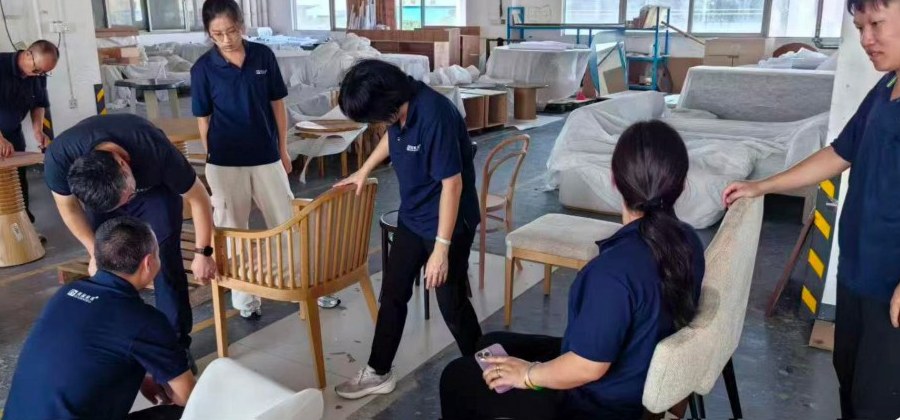
Make a separate list of connections: plugs, data cables, cable trays, monitor arms, desk panels and screens. Beside each one, note whether the furniture supplier provides it or the local team buys and fits it.
This is where individually suitable products can fail to work together. Check the following against the actual equipment:
- Desktop: holes, mounting positions and usable equipment space.
- Screen: fixing fit, finished height and access to adjustments.
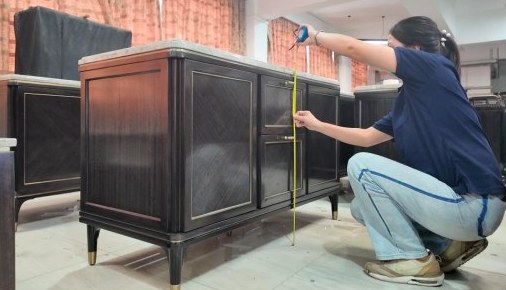
- Storage: doors, drawers, locks and any wall or floor fixing.
- Meeting table: cable access and leg space around the supports.
- Installation: a dated final layout with a location code for each setting.
Your appointed local electrical professional should define the installation requirements and approval route. A destination country alone does not give the furniture supplier enough information to choose every electrical detail.

Try one complete desk setup first
The chair, desk and equipment need to work together. Separate product photos cannot show you how they feel to use.
Set it up
Put the chair, desk, screen and storage together with the equipment people will actually use.
Let people try it
Ask users and facilities staff about adjustment, legroom, cables and access for cleaning or repairs.
Fix the awkward details
Agree the changes and update the drawings and parts list so everyone has the same final design.
Confirm what gets made
Check that the supplier will produce the setup you tried, with no changes you have not agreed to.
Keep in mind“I prefer a firmer chair” and “the cable will not reach” are different problems. Record both, then decide how to address each.
The pilot establishes an agreed configuration. It does not prove universal comfort or replace required product and electrical evidence.
Try one complete workstation before ordering the rest
A pilot setting is one complete trial workstation: chair, desk, screen, storage and representative equipment. It lets you find a blocked cable route or awkward adjustment that a finish swatch cannot show.
Invite representative users to do realistic tasks while facilities staff check adjustment and maintenance. Keep personal preferences separate from technical faults. The aim is an agreed setup, not a promise that everyone will find one chair comfortable.
- Record the exact models and components being tried.
- Check adjustments and space around the equipment.
- Try assembly, cleaning access and part replacement.
- Resolve problems and update the drawings and component list.
- Confirm which combination the full order must reproduce.
Do not order the batch while changes to the pilot are still undocumented. The manufacturer verification guide helps you check who will reproduce the accepted sample.
Make the boxes easy for installers to match
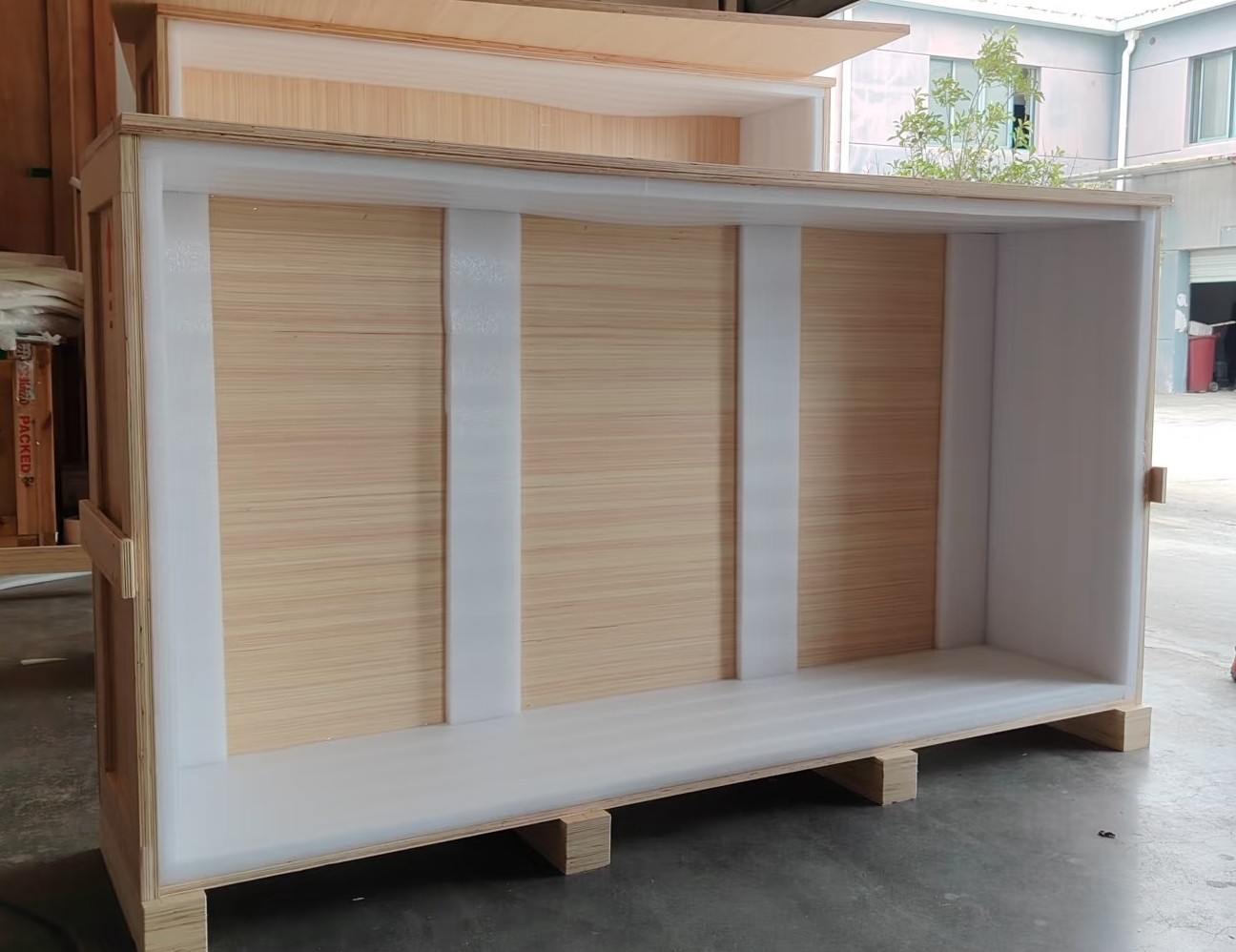
Flat-packed desks can arrive as many similar panels and hardware bags. Get the component list and assembly instructions before delivery. Ask the installer whether they need special tools, training or a check of the first assembled setting.
Where useful, label components by workstation or zone and agree how that affects loading. Book delivery slots and lifts; plan storage and packaging disposal. If staff are still working in the office, agree a phased installation with building management.
Check the furniture again after assembly: operation, levelling, stability, connections and any required fixings. Put the workstation location beside each fault so the installer can find it.
The commercial project guide helps divide responsibilities between supplier, buyer and local team.
Find out how repairs and later orders will work
Ask how to reorder casters, arm pads, approved chair mechanisms, desk controls or matching panels. Have the supplier confirm compatibility and safe replacement instructions.
Read who handles warranty claims, what evidence they need and who pays freight or labour. A long warranty period does not necessarily include local service. Keep these terms with the supplier’s details and furniture list.
If more desks will be added later, ask about future availability and keep the finish codes. A changed model or material may need a new sample. Compare costs including samples, freight, local delivery, assembly and specialist work.
Ratahome coordinates sourcing; it is not a manufacturer or ergonomics certifier. Share your layout, location, workstation quantities and installation dates to discuss the help you need. For a first overseas order, start with the China purchasing process.
Buyer questions
Practical questions, answered
Does ergonomic mean an office chair will fit everyone?
No. Try the chair with the desk and equipment, considering the users and their tasks. A catalogue description does not replace an individual assessment or the employer’s workplace adjustment process.
What should I check in an office chair test report?
Check the laboratory, manufacturer, model, components, standard and edition, results and limitations. If your quotation changes a component, ask whether the report covers that change.
Can powered desks ship ready for use in my country?
It depends on the components and local installation requirements. Before ordering, have the importer and a qualified local electrical professional confirm the required evidence and installation arrangements.
What information is needed to quote an office project?
Send the location, layout, quantities, equipment list, user needs, finishes and required tests. Explain who will install the furniture and when it is needed. Mark undecided connections so suppliers do not each price a different assumption.
Want to check the details?
Official sources and notes
The examples are for planning, not quotations or past client projects. Photos illustrate the subject; they do not prove factory ownership or product certification. Check current requirements and dates with the relevant authority or organiser.
- OSHA: Computer Workstations eTool — Workstation design guidance; the eTool does not create new OSHA requirements.
- OSHA: Workstation Purchasing Guide — Reference checklist for evaluating components and fit.
- BIFMA: Standards Descriptions — Product-specific furniture standards; confirm the applicable edition.
- BIFMA Compliant — Official information about the registry of standards-conforming products.
- EPA: Composite Wood Products Act FAQs — U.S. composite-wood emissions and related requirements.
Have a project in mind?
Tell us what you need, where it will be delivered and when you need it. A furniture list or a few reference photos is a useful place to start.
Ratahome helps coordinate suppliers, samples and delivery in Foshan. We work with manufacturers; we do not manufacture the furniture ourselves.
Talk about your project